
Passport & Visa Photo Maker – from a selfie to a correctly sized ID photo
Upload a portrait and receive a centered, background-adjusted photo prepared for your country and document type in seconds.
PhotoGov is the online photo tool at photogovs.com. We are an independent service and are not affiliated with photogov.net or other similarly named sites.
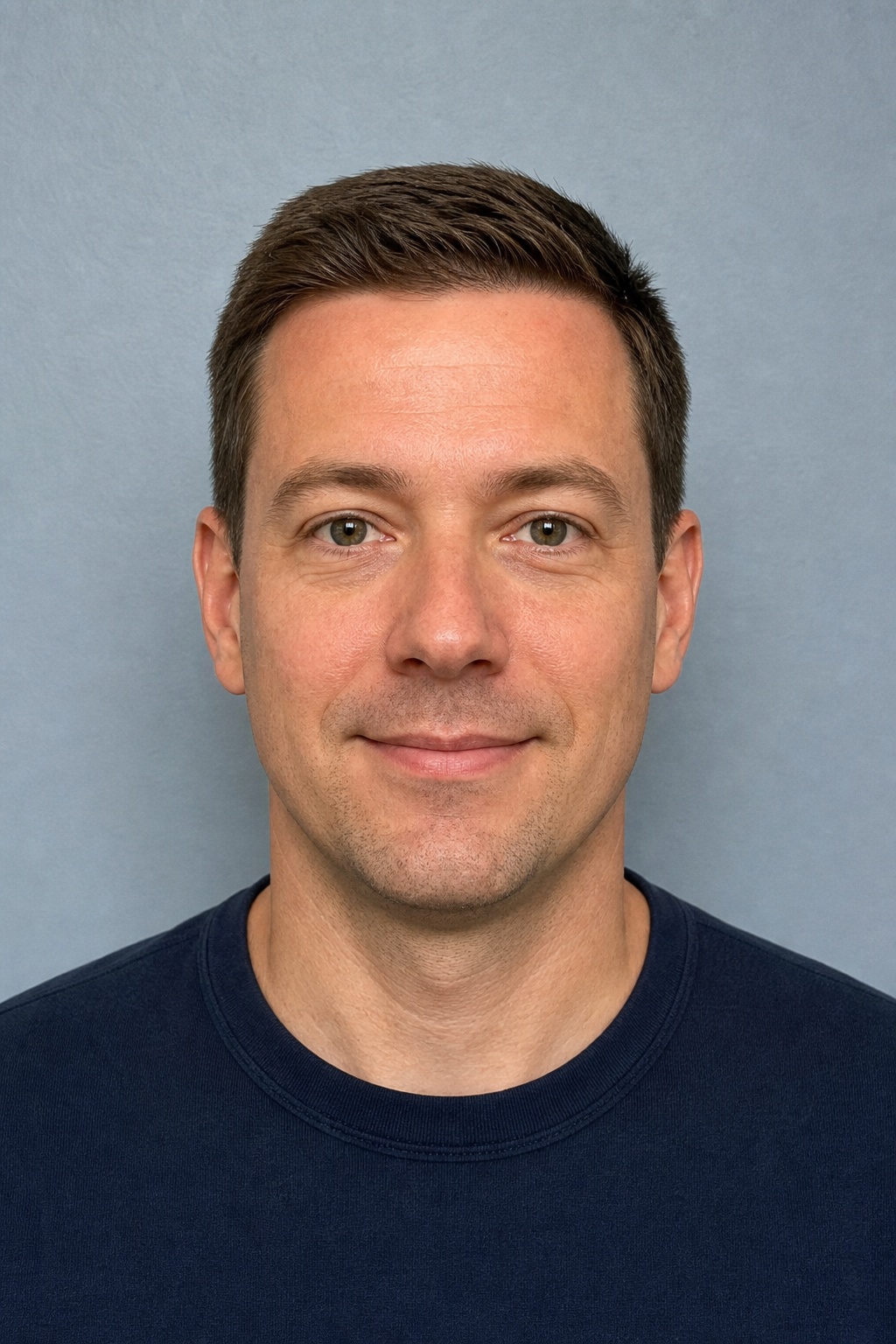

US Passport · 2×2″
600×600 px · white background
49
document formats
17
countries & regions
300
DPI output
~30s
typical processing
How do I make a passport size photo online?
Choose your country and document on PhotoGov (photogovs.com), upload a clear front-facing phone photo, and the tool crops it to the required size, replaces the background and prepares a 300 DPI digital file and print layout. It covers 49 formats across 17 countries and regions. Start with the passport size photo maker, browse all document requirements, or read why DV lottery photos get rejected.
Simple process
Make an ID photo in four steps
Choose the exact document first, then let the service apply its dimensions, crop and background requirements.
Select a document
Choose a country and the exact passport, visa or ID format.
Upload a portrait
Use a clear phone photo with your face looking straight ahead.
Automatic processing
The image is aligned, cropped and placed on the required background.
Download the result
Save a digital photo or a printable layout for your application.
Popular formats
Passport photo requirements by country
US Passport
51×51 mm
View requirements →
Canada Passport
50×70 mm
View requirements →
China Passport
33×48 mm
View requirements →
UK Passport
35×45 mm
View requirements →
Germany Passport
35×45 mm
View requirements →
India Passport Seva
35×45 mm
View requirements →
Australia Passport
35×45 mm
View requirements →
Japan Passport
35×45 mm
View requirements →
Passport Photo Online — Preview & Examples
Choose a document type and see how a selfie is adjusted to official requirements.
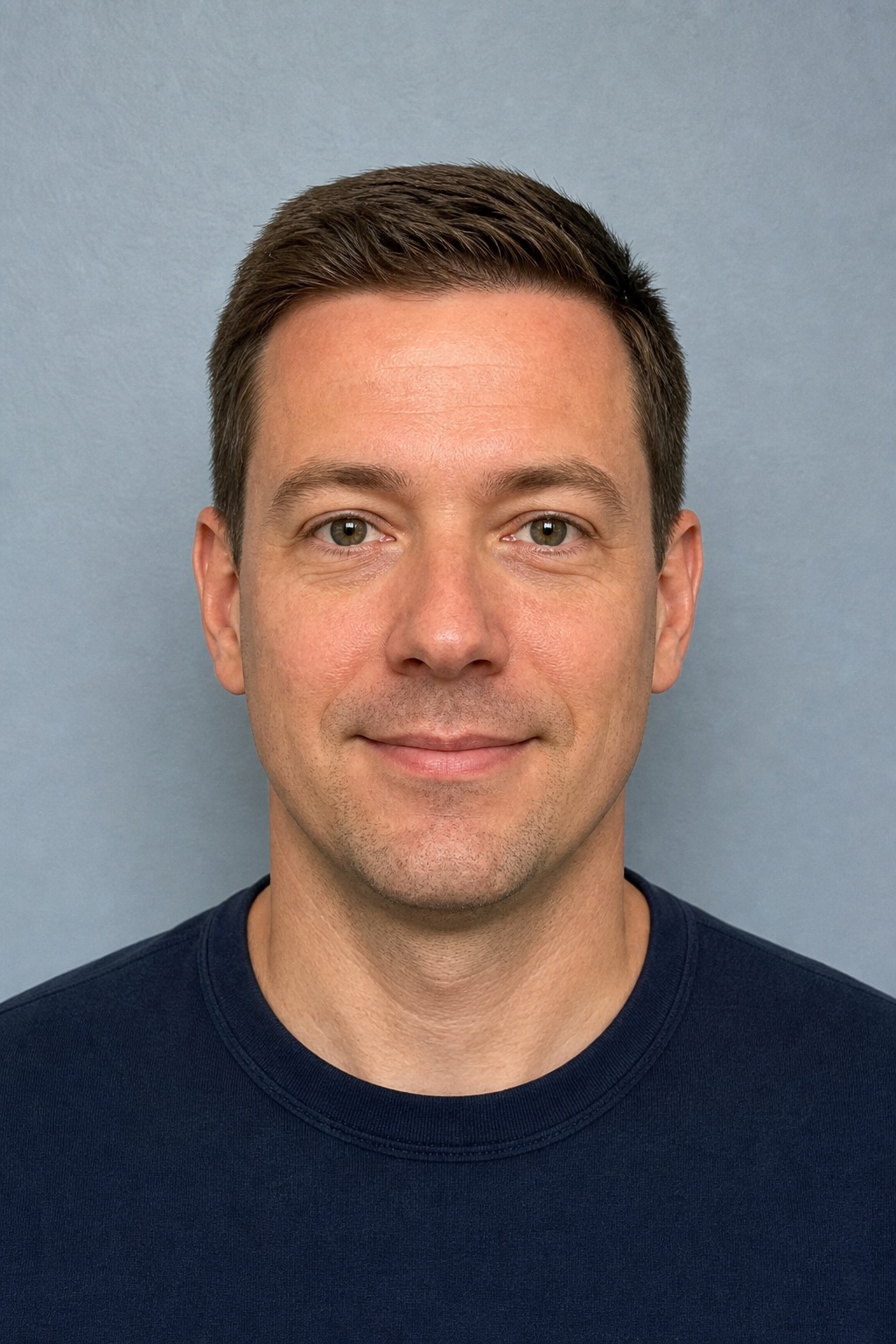

US Passport 2×2″
United States
- Photo size
- 51×51 mm
- Pixels
- 600×600
- Resolution
- 300 DPI
- Background
- White
Compliance Guaranteed — processed according to government photo standards.
Prepared for submission
The important details are built into each format
Passport photo rules differ by authority. Selecting the document applies its stored output dimensions, background, framing and file requirements.
Start with your documentCorrect dimensions
Exact millimetre and pixel output for the selected document.
Face positioning
Automatic head alignment, eye level and crop proportions.
Plain background
White or light-gray background according to the selected standard.
Natural appearance
Sharp, evenly lit output with the face fully visible.
File requirements
JPEG output, DPI and file-size limits prepared for submission.
Print-ready layout
Download a digital photo or a convenient printable sheet.
Real examples
See the transformation
A source portrait is reframed and prepared for the selected country’s photo format.
🇺🇸 US Passport 2×2″
Before
After
🇬🇧 UK Passport 35×45 mm
Before
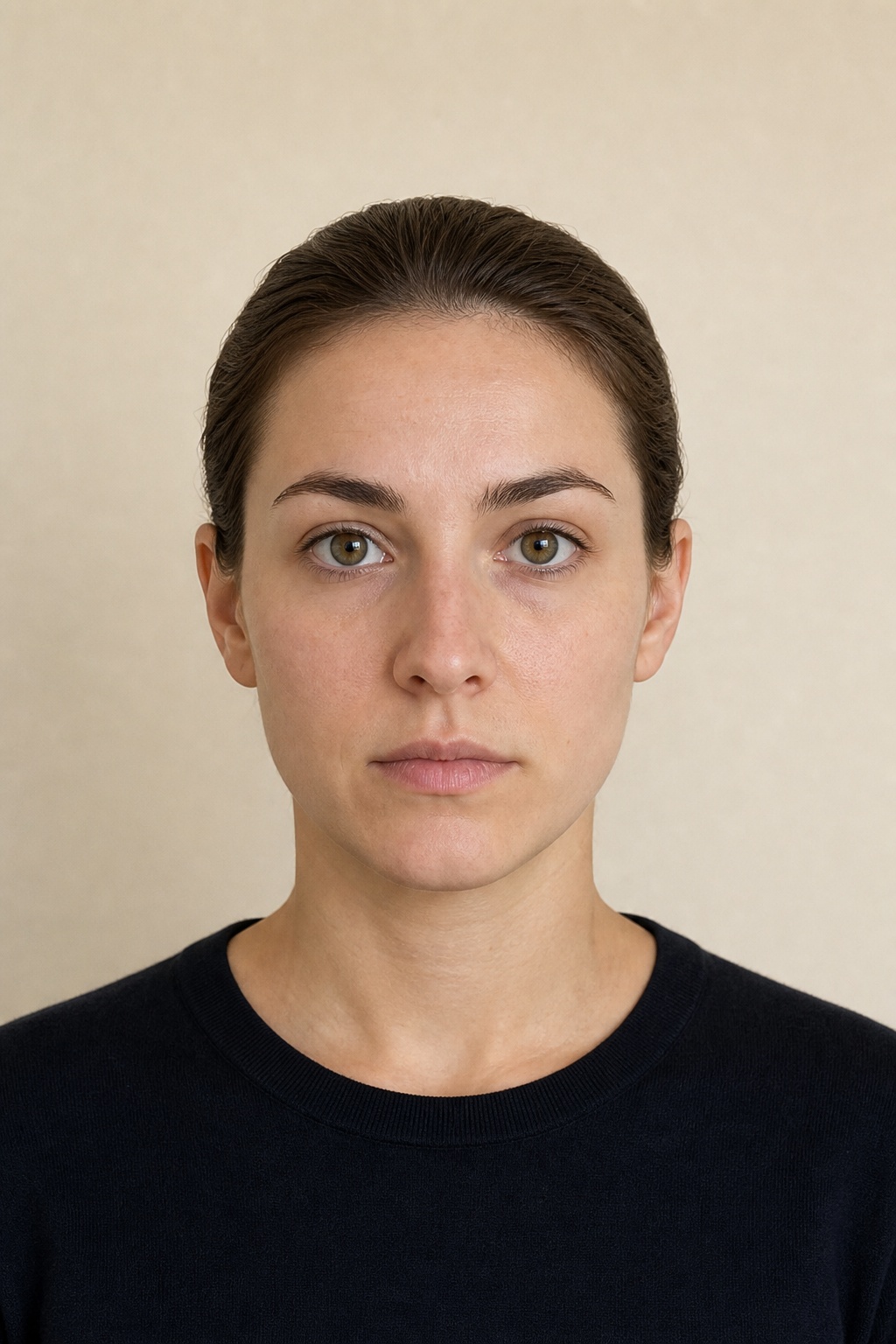
After
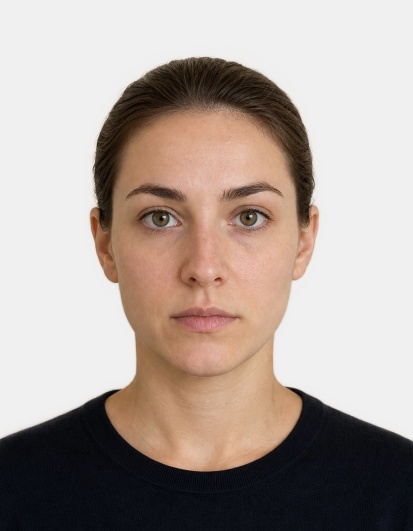
🇨🇳 China Visa 33×48 mm
Before
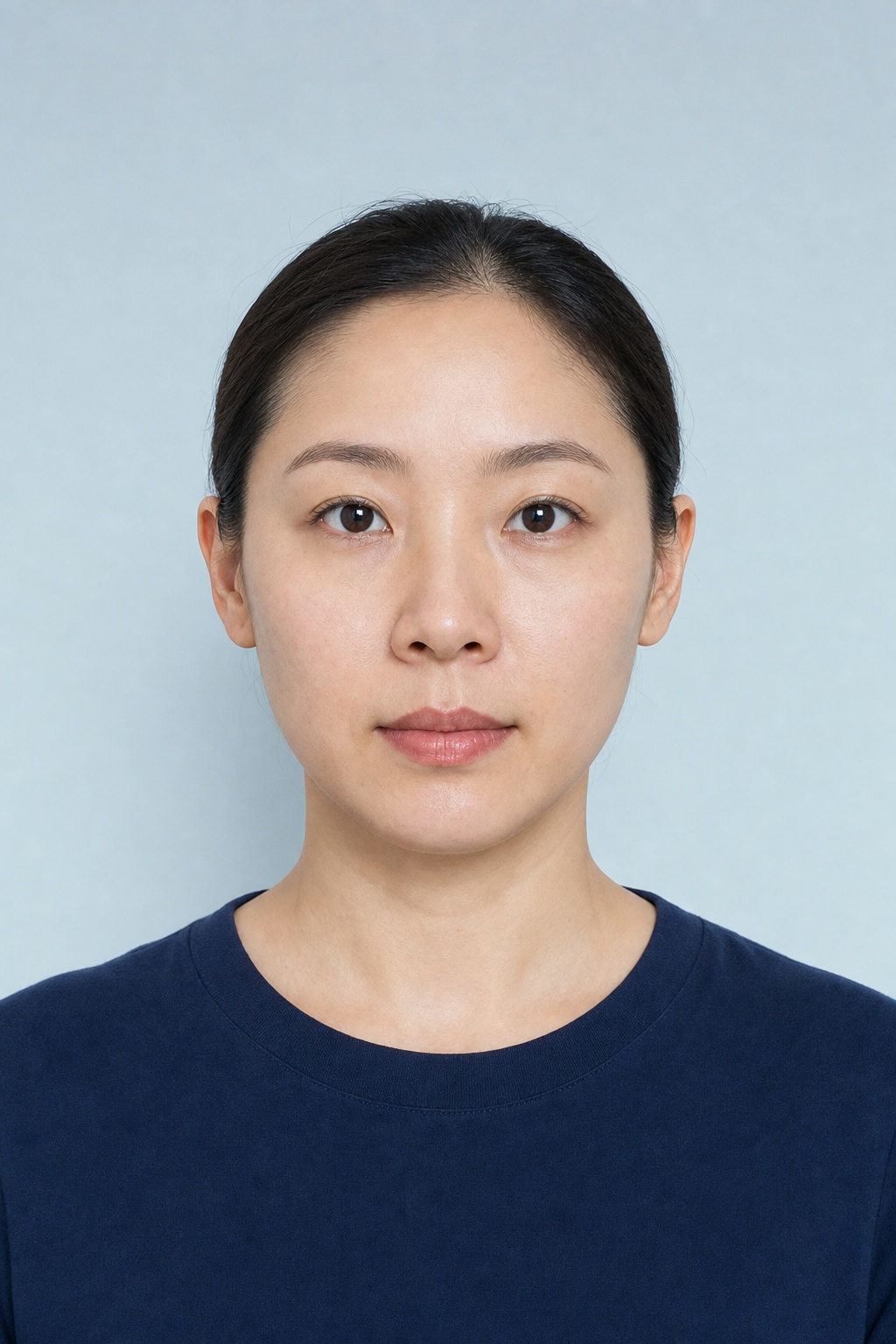
After
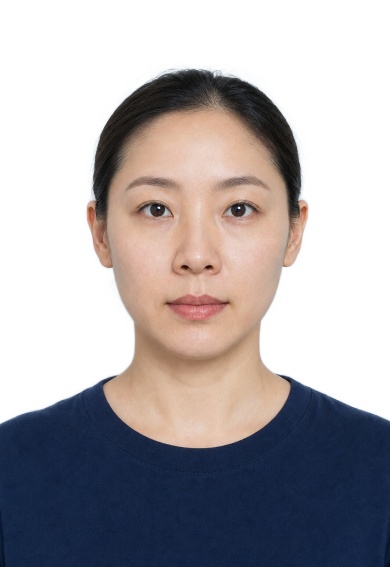
A clear portrait works best
Before
After
Better source, better result
How to take your photo at home
You do not need studio equipment. A phone camera, a plain wall and soft daylight are enough for a strong source image.
- ●Face the camera directly with your head upright.
- ●Use soft frontal light and avoid shadows or flash glare.
- ●Keep hair away from the eyes and facial outline.
- ●Use a neutral expression with eyes open and mouth closed.
- ●Remove glasses, hats and accessories unless officially permitted.
Help center
Frequently asked questions
Can I take the original photo with my phone?+
Yes. Use even frontal light, look straight at the camera and keep your face and hair fully visible. The source image does not need to be pre-cropped.
Which passport and visa sizes are supported?+
The catalog currently includes 49 common passport, visa, residence card and licence formats across 17 countries and regions.
Will the background and crop be adjusted automatically?+
Yes. The processor removes the original background, applies the required color and crops the portrait to the chosen document dimensions.
Can I download a printable version?+
Yes. Completed jobs can provide both an individual digital image and a print-layout file when available.
Is PhotoGov (photogovs.com) the same as photogov.net?+
No. PhotoGov at photogovs.com is an independent passport and visa photo tool and is not affiliated with photogov.net. If you placed an order on another site, please contact that site for support.
How do I make a passport size photo online?+
Choose your country and document on PhotoGov (photogovs.com), upload a clear front-facing phone photo, and the tool crops it to the required size, replaces the background and prepares a 300 DPI digital file and print layout. It covers 49 formats across 17 countries and regions.
Ready to prepare your ID photo?
Select the destination country and exact document size before uploading your portrait.
Create photo now